How does it work?
Click on the drop down labeled Source in the middle portion on the up sheet. Scroll through the list until you find the correct source. Simply click on the source and it will be saved to the up sheet.
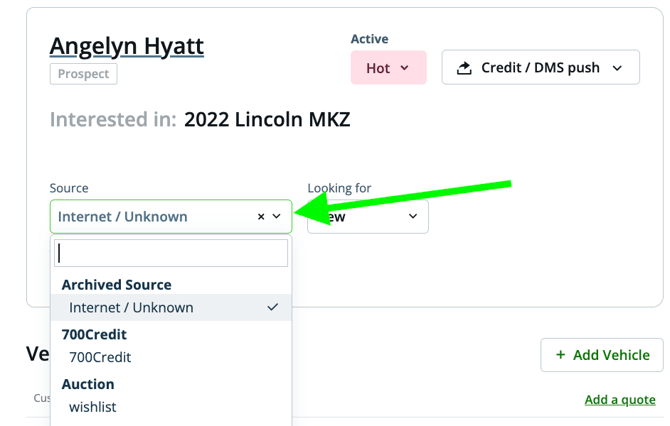
Note: If you do not see the correct source listed, talk to your Manager so that it can be added to the list.
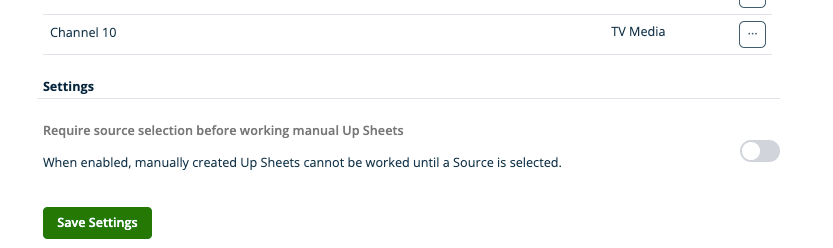
Require Lead Source
Ensure every manually created up sheet includes a source.
When this setting is enabled, users must select a source before they can proceed. This prevents up sheets from being saved without a source, helping maintain clean data and accurate reporting.
To enable this setting:
- Go to Admin Settings
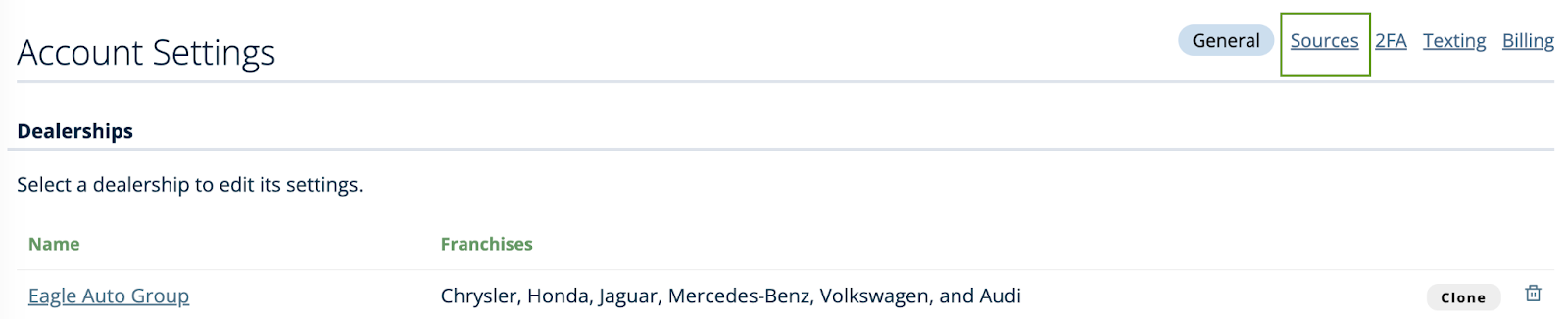
- Select the Source tab
- Scroll to the bottom of the page
- Toggle the setting ON
Once enabled, a source will be required before an up sheet can be created.