Step 1: Log in to Your AR Account
-
Only the Account Owner can view or edit billing settings.
-
If you do not see the Billing Settings option, please contact your Account Owner to request the update.
Step 2: Access Account Settings
-
Click on your name in the navigation menu.
-
Select Settings from the dropdown menu.
-
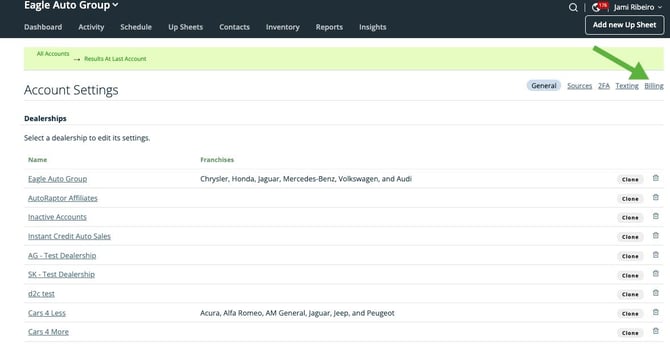
Click the Billing tab, located in the upper-right corner of the Settings page.
Step 3: Manage Your Billing Information
-
From the Billing tab, click the Manage billing info icon.
-
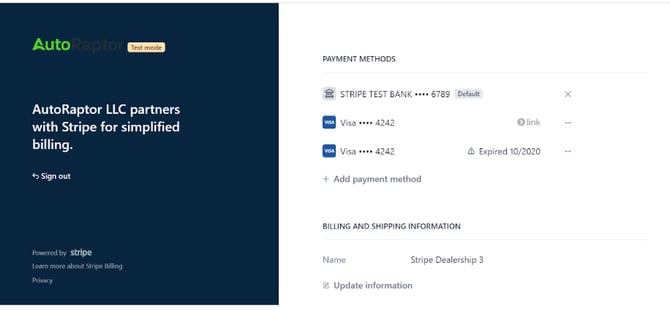
You will be redirected to the billing settings page where you can view invoices and manage your billing details.

Step 4: Update and Save Changes
-
Review your invoices and update any billing information as needed.
-
Be sure to save your changes before leaving the page to ensure updates are applied successfully.