
Key Steps:
Step 1: Access Penciling Options 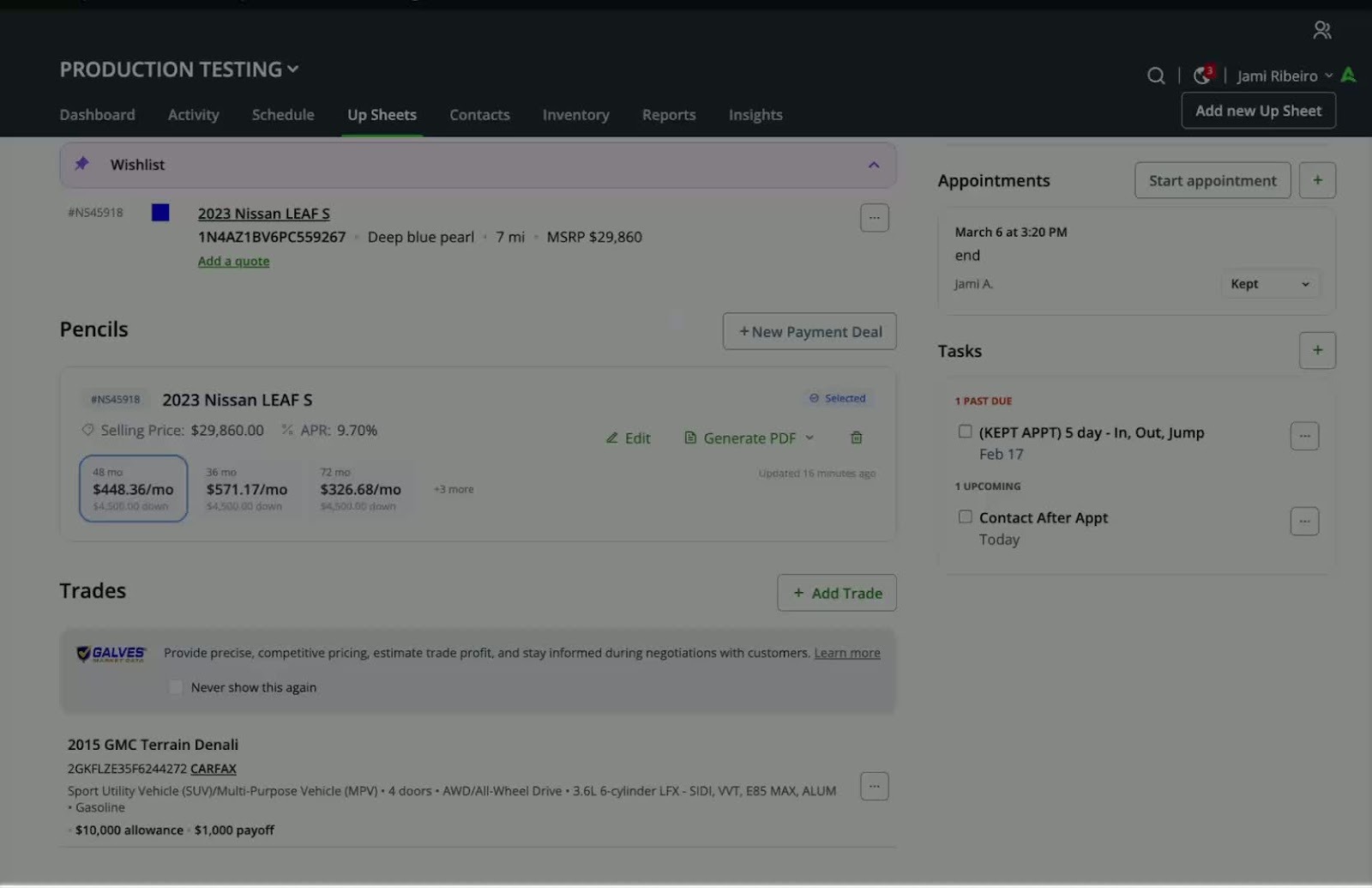
- Locate the upsheet where penciling options are available.
- You can add multiple options as needed.
Step 2: Mark Upsheet as Sold or Delivered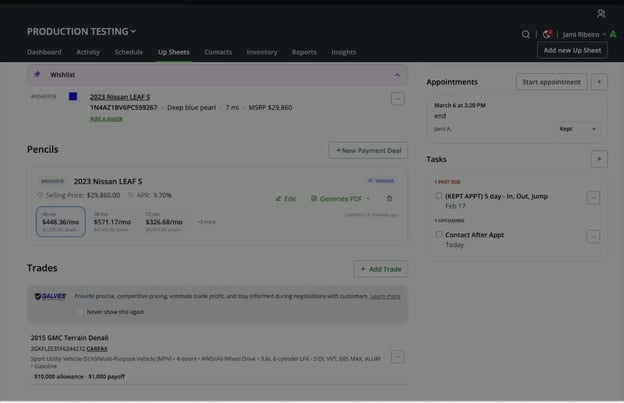
- Follow the standard process to mark the upsheet as sold or delivered, as you have done previously.
Step 3: Select Payment Options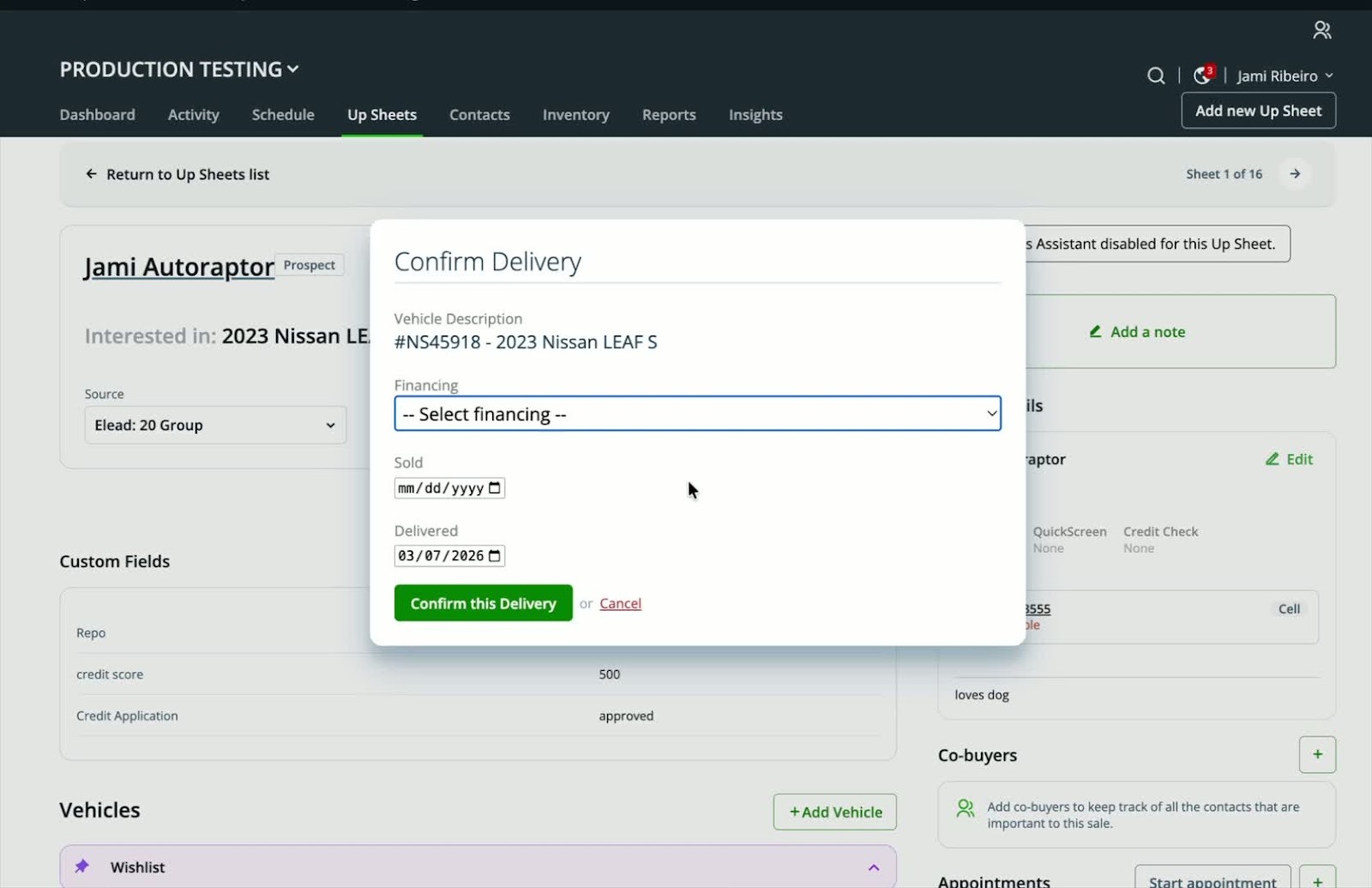
- Navigate to the delivery page for the customer.
- Review the available payment options presented.
Step 4: Confirm Payment Selection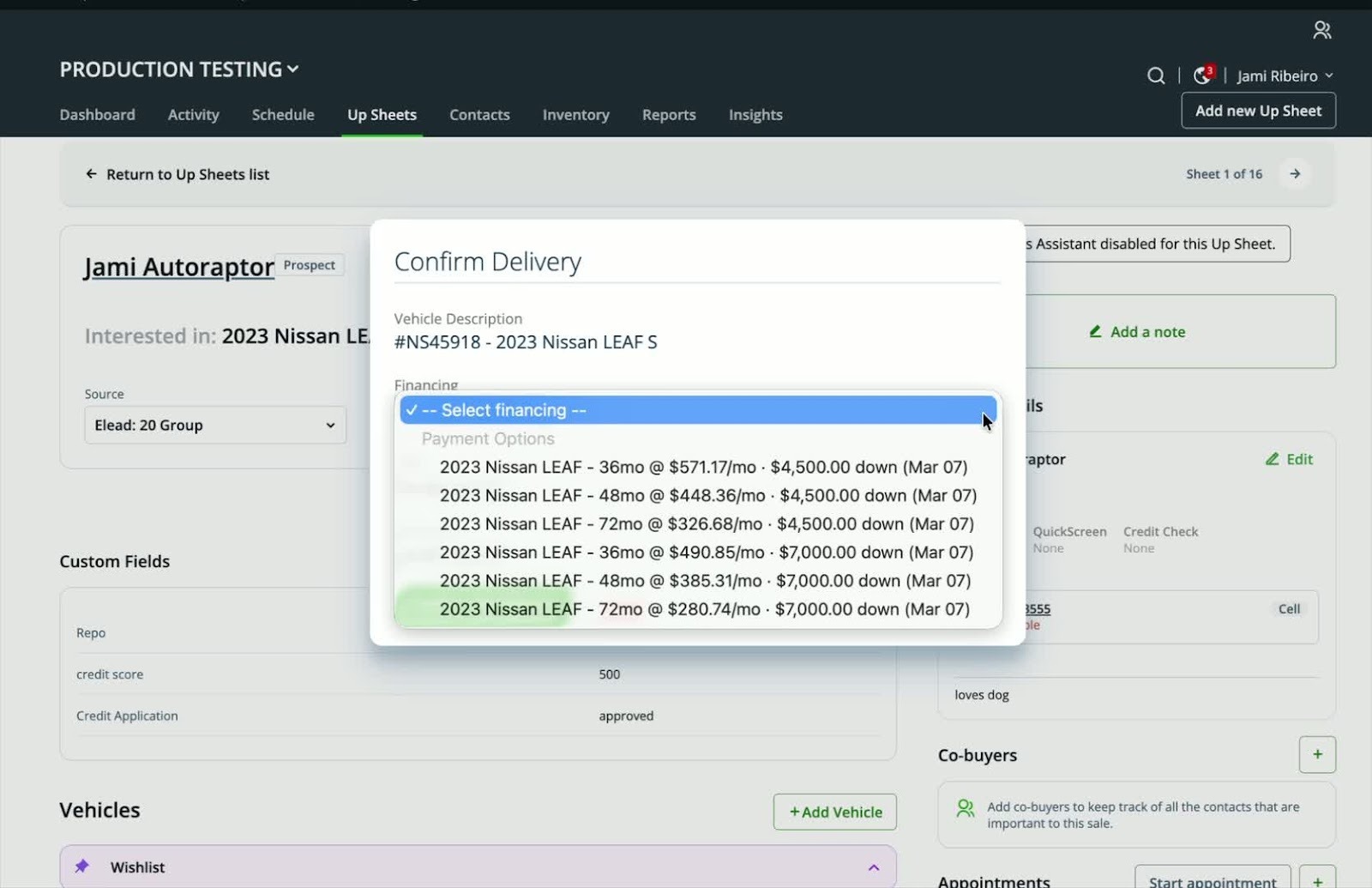
- Choose the payment option that was agreed upon with the customer.
- Confirm the delivery information to finalize the process.
Cautionary Notes
- Ensure that all payment options are clearly communicated to the customer before finalizing the deal.
- Double-check the delivery information for accuracy to avoid any issues.