
Here is a video guide to help you navigate the Schedule:
https://48309173.hs-sites.com/share/video/219405774180
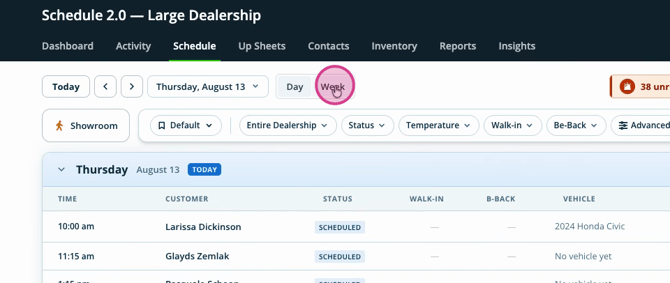
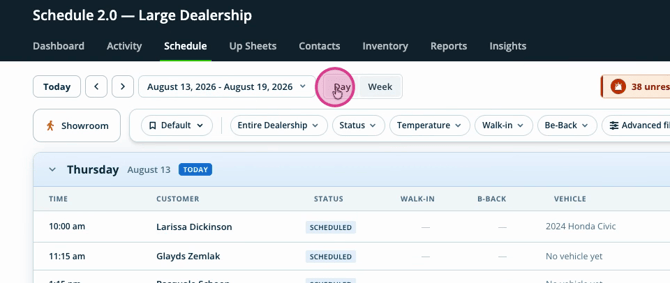
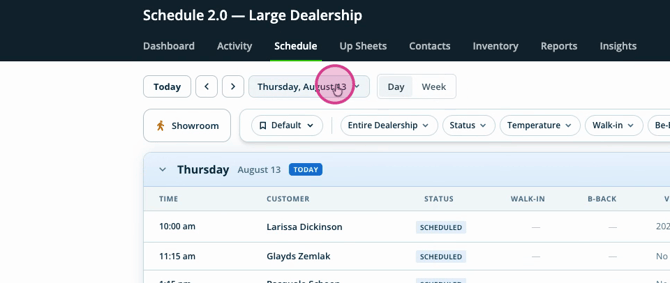
Step 1: Choose how to view your schedule by selecting either the Weekly or Daily view on the right side.
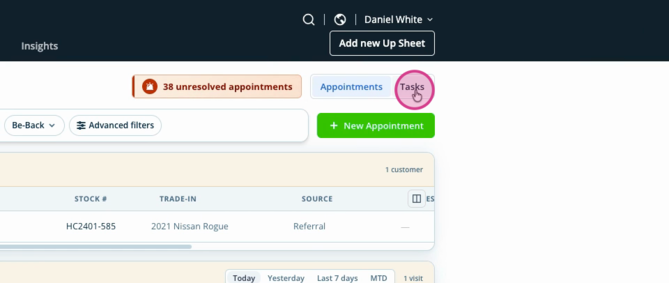
Step 2: Filter your schedule by Appointments or Tasks to focus on what matters.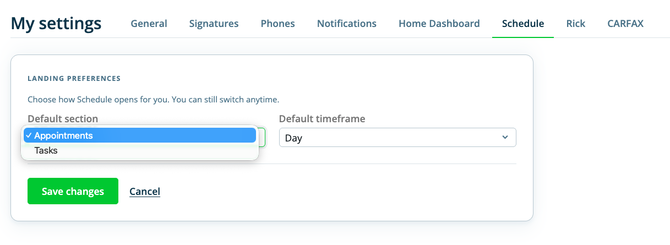
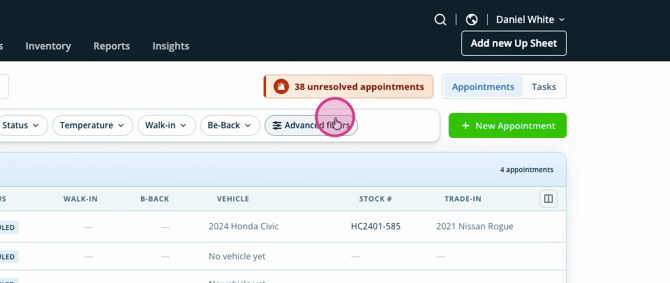
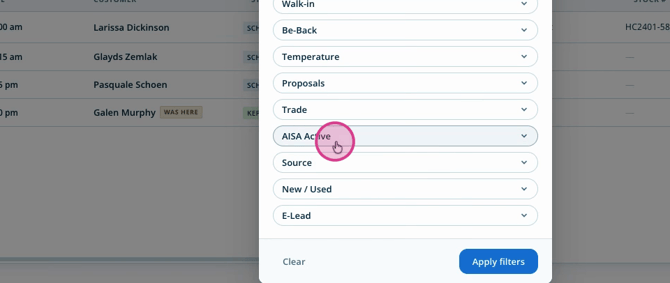
Step 3: Use Advanced Filters for deeper segmentation and quick access to specific information.
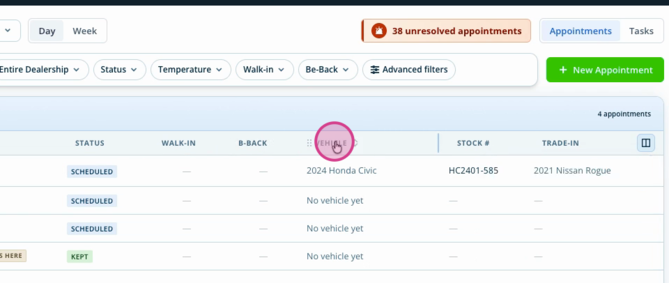
Step 5: Add or remove columns to show the details most important to you.
Step 6: Sort and organize columns, moving key data up front for easy access.
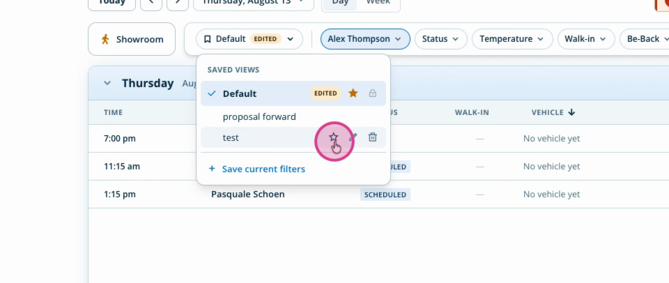
Step 7: Once you’ve arranged your ideal view, save it for next time—just click Save and give it a label.
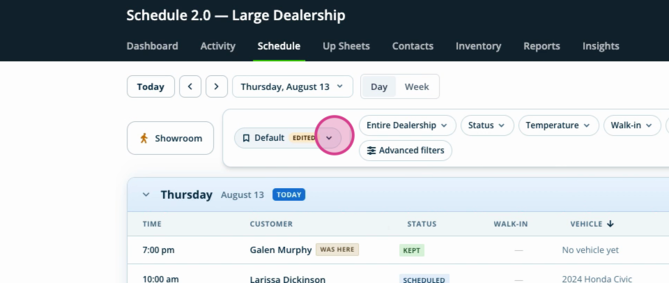
Step 8: Need separate views? For example, if you’re a manager and also have personal leads, create and save both perspectives.
Step 9: Mark your favorite view by clicking the star to set it as your default.
Managing Showroom Visits
AutoRaptor makes tracking showroom activity a breeze.
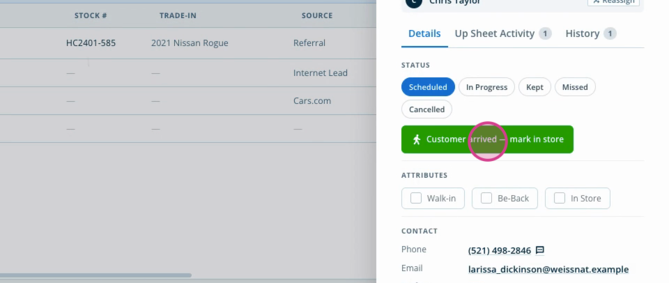
Step 1: When a customer arrives, update their status to In Progress right from the schedule.
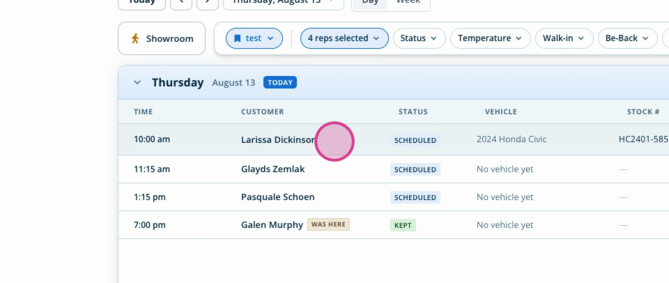
Step 2: Focus on active showroom visits in a dedicated section.
Step 3: Use the side panel to end appointments, view data, or take next steps without leaving the schedule.
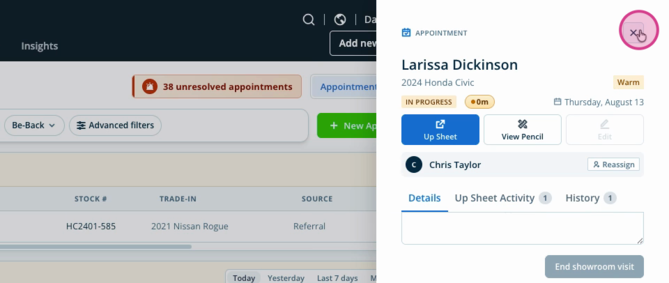
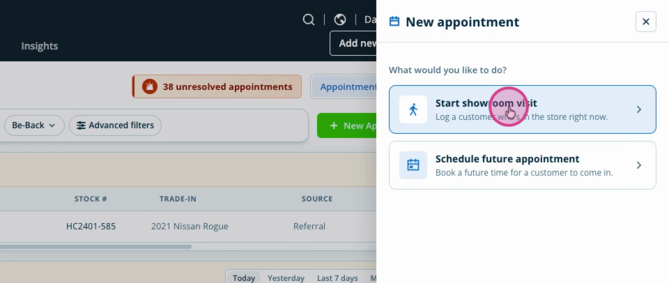
Step 4: Add new appointments directly from the side panel, whether the customer is currently in the showroom—or schedule a future meeting on the spot.
Task Management Made Simple
Keep your tasks under control and never miss a follow-up.
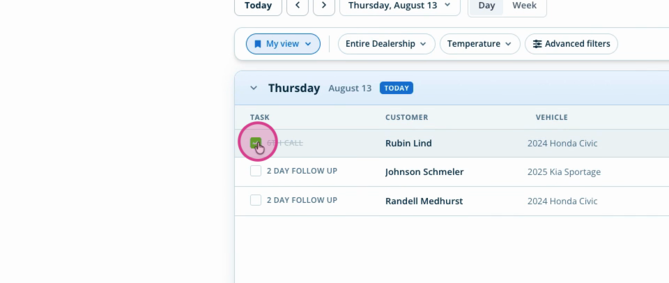
Step 1: Manage your tasks and check them off as you complete them.
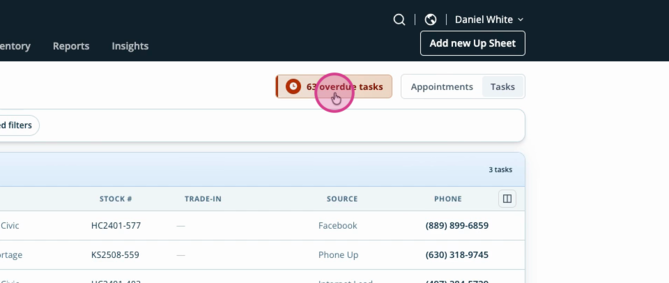
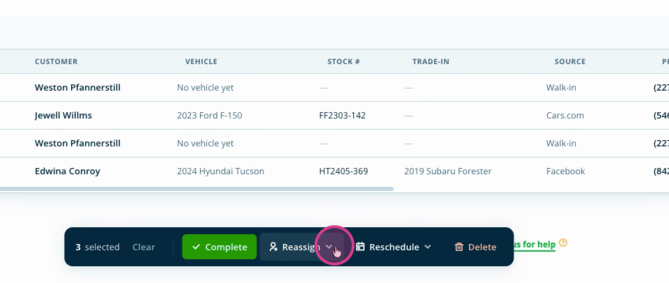
Step 2: Handle overdue tasks efficiently—select them all with the dropdown, or just pick the most important. Complete, reassign, or reschedule as needed.
AutoRaptor’s schedule keeps everything accessible and customizable to fit the way you work. Experiment with different views, filters, and management tools to stay efficient, productive, and ready for anything. Your feedback helps us continue improving your experience!