
How to Set Your Mileage Unit to Kilometers
Follow these steps to update your mileage settings:
- Go to Settings
- Click on your Dealership Name
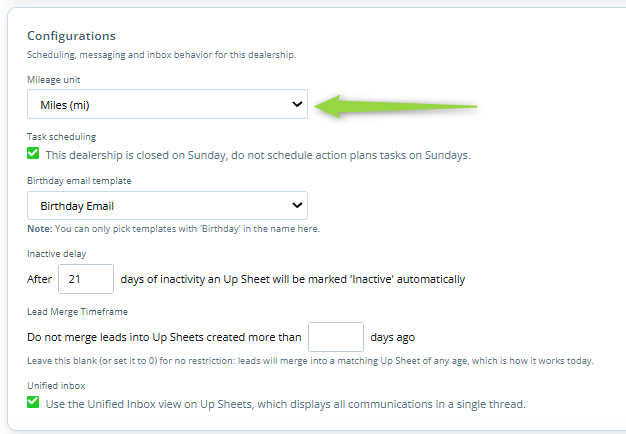
- Remain on the General tab and navigate to Configurations
- Under Mileage Unit, select Kilometers (km)
- Click Save
What to Expect
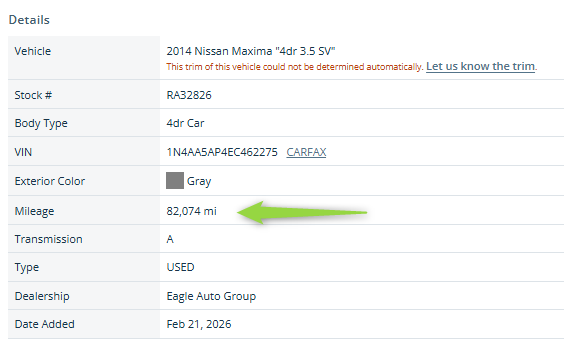
Once saved, all vehicle mileage throughout your inventory will automatically display in kilometers. This change applies platform-wide, ensuring that all users and customer-facing views reflect the updated unit of measurement.
Last updated 09/29/2026