
What is the Primary Source?
When a lead comes into AutoRaptor from a lead source, that source is captured on the Up Sheet as the Primary Source.
Because a customer may contact your dealership through multiple lead sources, AutoRaptor gives you the option to control which source is retained when leads are merged.
Attribution When Leads Merge
When a new lead is merged into an existing Up Sheet, you can choose how the Primary Source is attributed: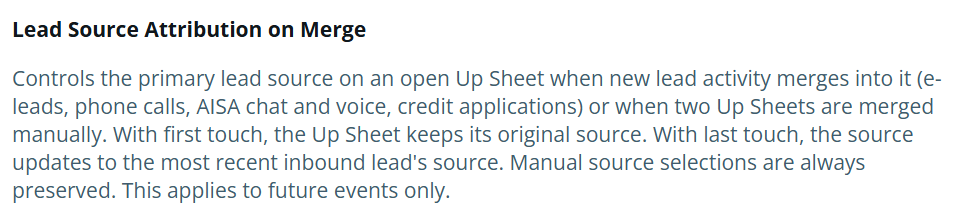
First Touch
Keep the Up Sheet's original lead source
The original lead source remains the Primary Source, even when additional leads from other sources are merged into the Up Sheet.
Last Touch
Update to the most recent inbound lead's source
The Primary Source is updated to the lead source of the most recent inbound lead that is merged into the Up Sheet.
How to Change the Attribution Setting
An Admin user or higher can change the Primary Source attribution setting.
- Go to Settings.
- Select the Dealership.
- Open the E-Leads tab.
- Select Assignment and Auto Reply.
- Locate Attribution when leads merge.
- Select either:
- First Touch – Keep the Up Sheet's original lead source.
- Last Touch – Update to the most recent inbound lead's source.
The selected option determines how the Primary Source is handled when leads are merged into an existing Up Sheet.